Photo & signature JPEG
Enter the current portal's pixel dimensions and KB range. Keep the whole image with white padding or crop with zoom and position controls. Export is offered only when the chosen pixel and KB limits are met.

Get your form files ready, without uploading them to another service.
Prepare photo and signature JPEGs with your chosen pixels and KB range. Create A4 PDFs from images and reuse your upload settings. English and Bengali, with no internet needed after download.
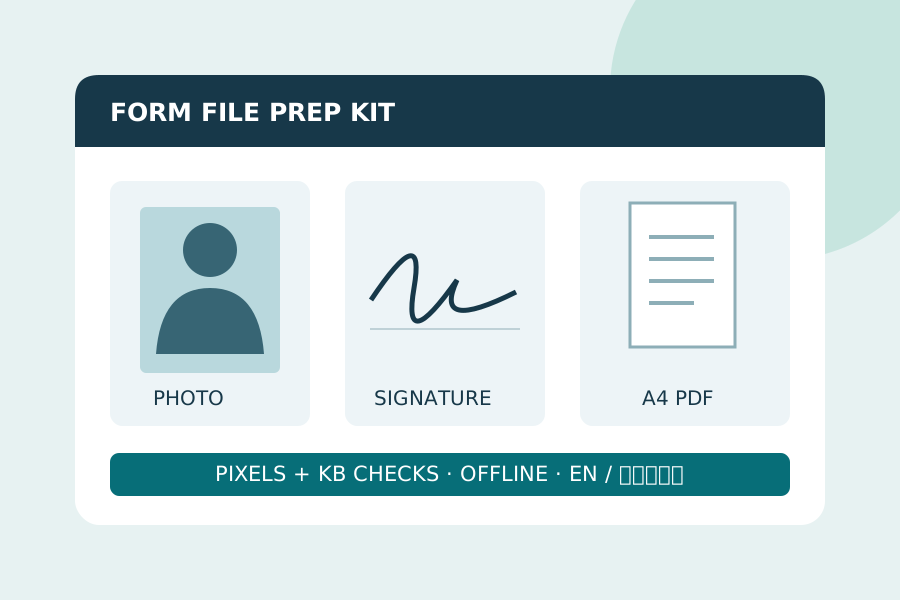
Current desktop Chrome / Edge. JPG, PNG and WebP input only. Follow the current portal rules; official acceptance, DPI and live-photo capture are not provided. Try the free JPEG demo first.
Enter the current portal's pixel dimensions and KB range. Keep the whole image with white padding or crop with zoom and position controls. Export is offered only when the chosen pixel and KB limits are met.
Combine 1–10 JPG, PNG or WebP images into an A4 PDF, one image per page in selection order. Images are fitted inside white margins and scaled down to a maximum 1800-pixel long edge. Open and inspect the PDF before uploading.
Download your dimensions, KB range and crop settings as JSON, then load them next time. No photos are stored in the settings. Use Reset or close the app after every customer.